Loaded sandwich
01Style Photo Enhancement
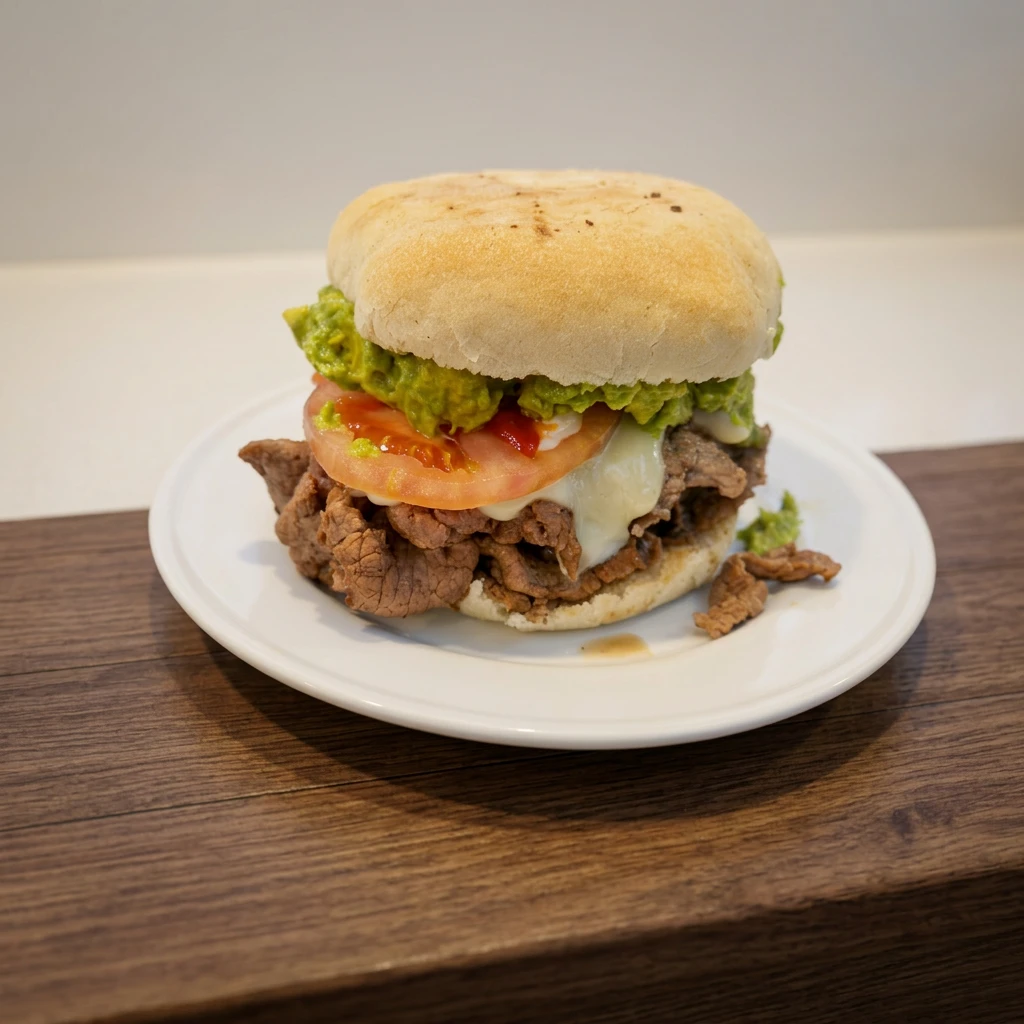
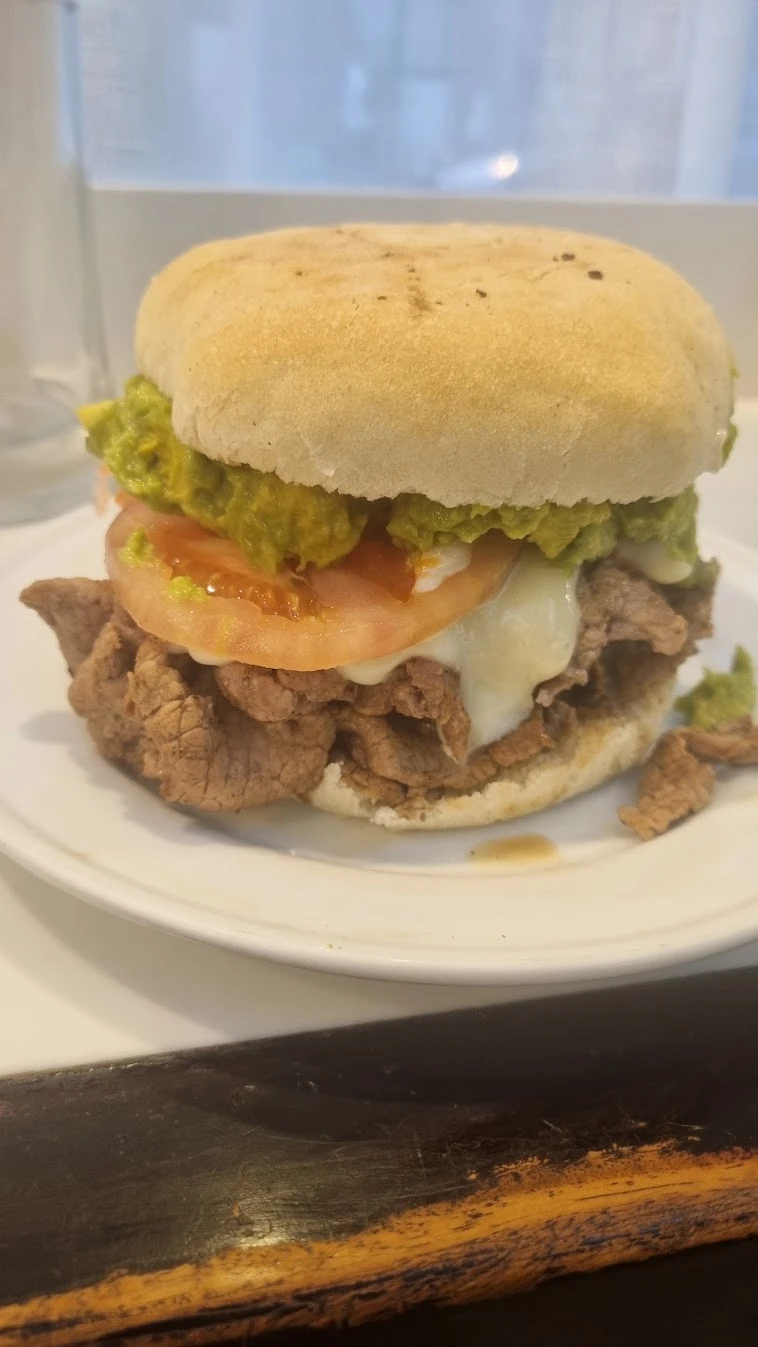
Drag to compare
Photo analysis and enhancement for restaurants
Photo analysis and dozens of ready-to-use styles to showcase what you serve. No prompts to write.
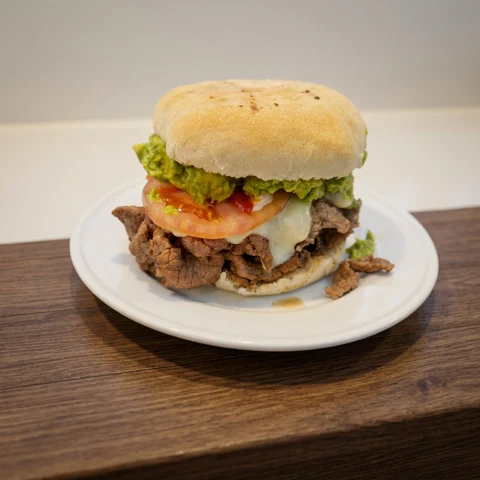
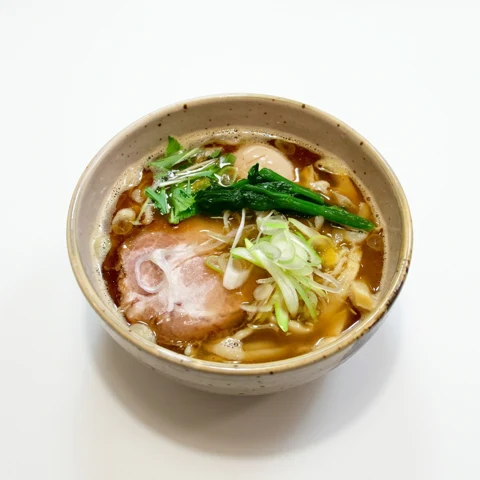
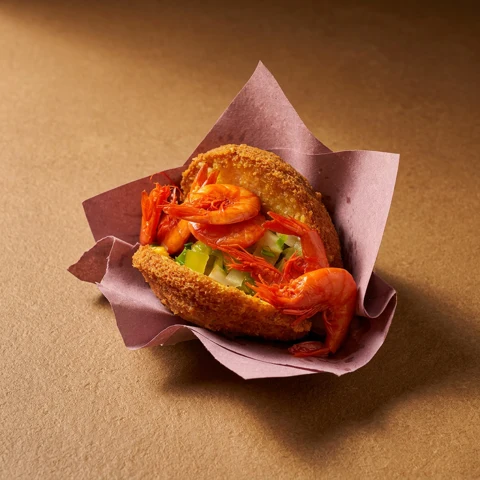
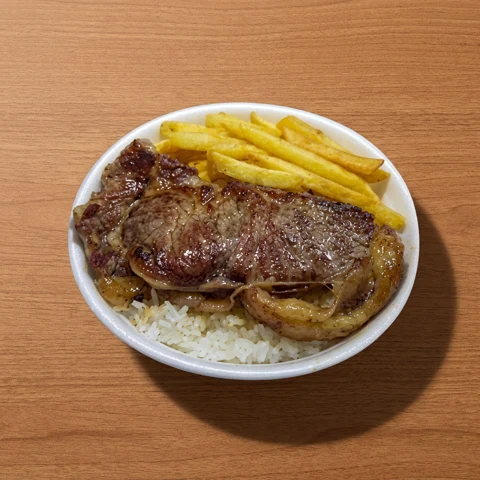
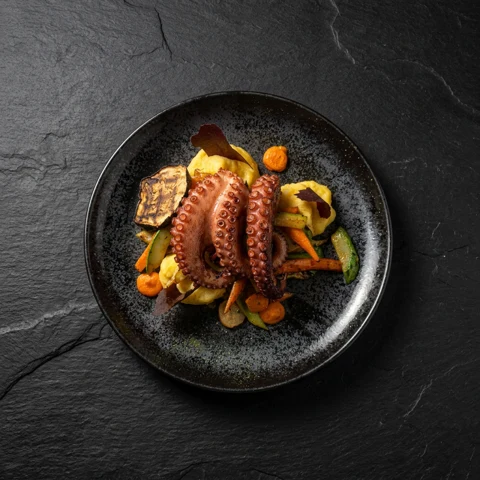
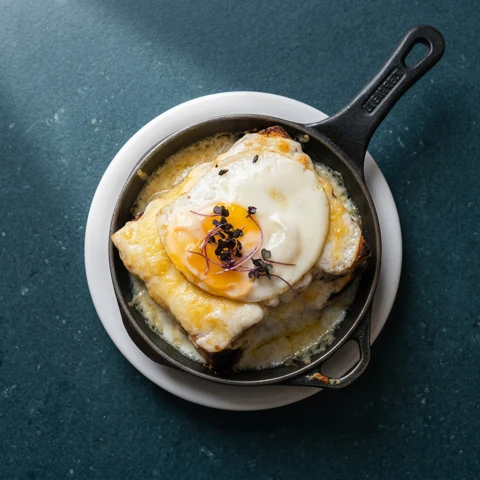
Uploaded photos and versions created in Ristio.
No card, no spam. Just the launch notice.
Ristio photo analysis
Ristio’s photo analysis examines light, color and surroundings to explain what could improve the presentation of your dish.
Get observations you can check in the photo itself. The analysis focuses on the image, without judging your recipe.
A correction is offered only after the result has been generated and verified. If an improvement is not confirmed, it is not promised.
A style change is a visual choice. Compare it with the original and decide what suits your restaurant.
Analysis to guide you. Comparison to help you decide.
Tell me when it launchesBefore & after
Drag to compare the original with the Ristio version. These are real photos submitted to Studio.
Style Photo Enhancement
Style Clean Background
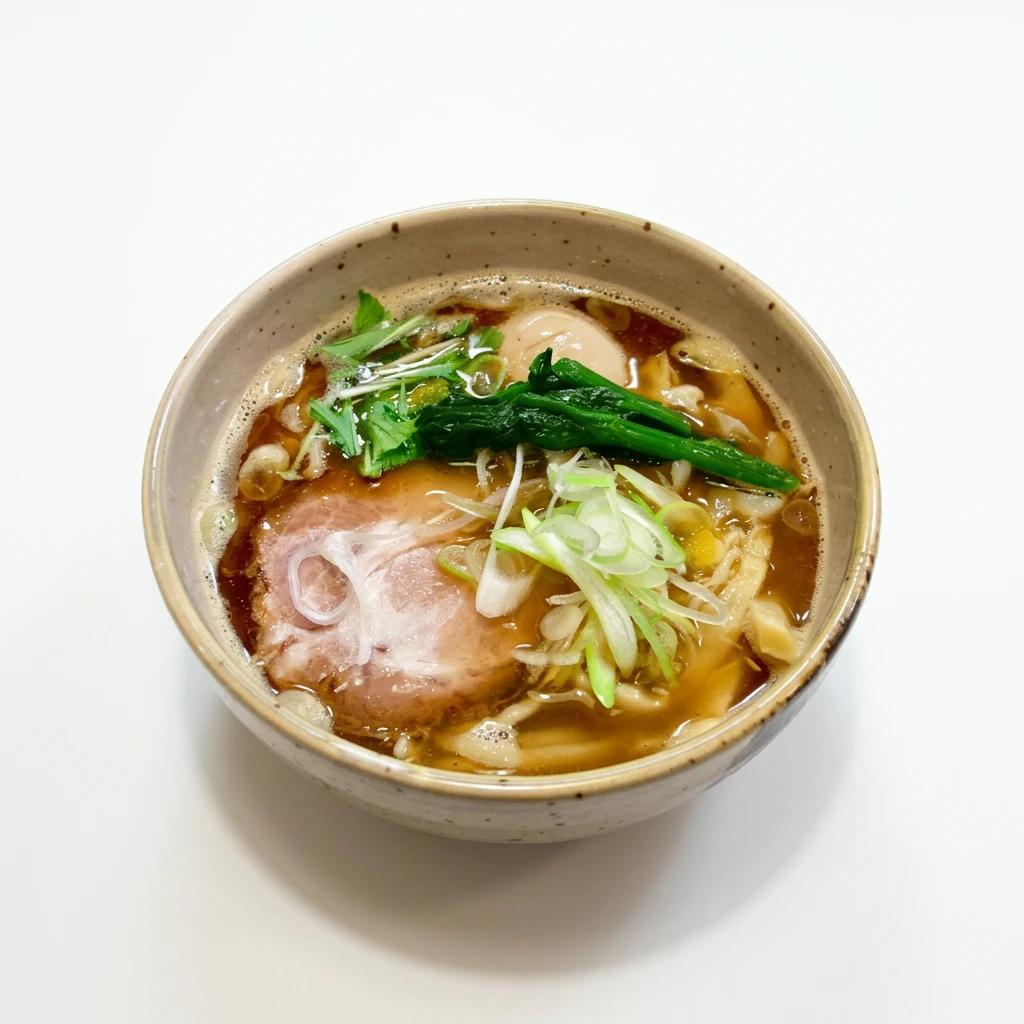
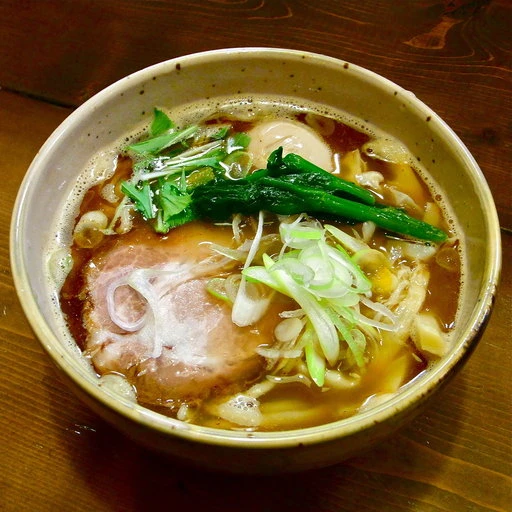
Style Magazine
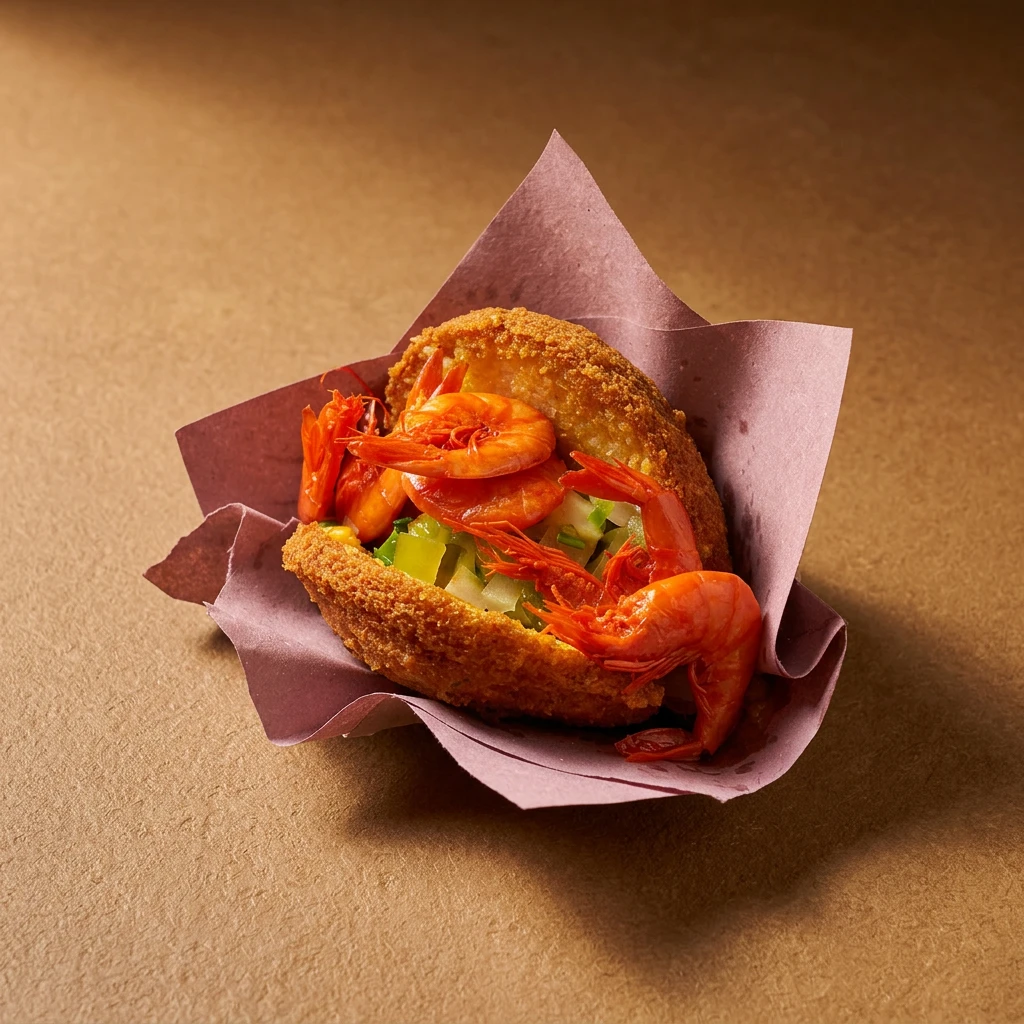
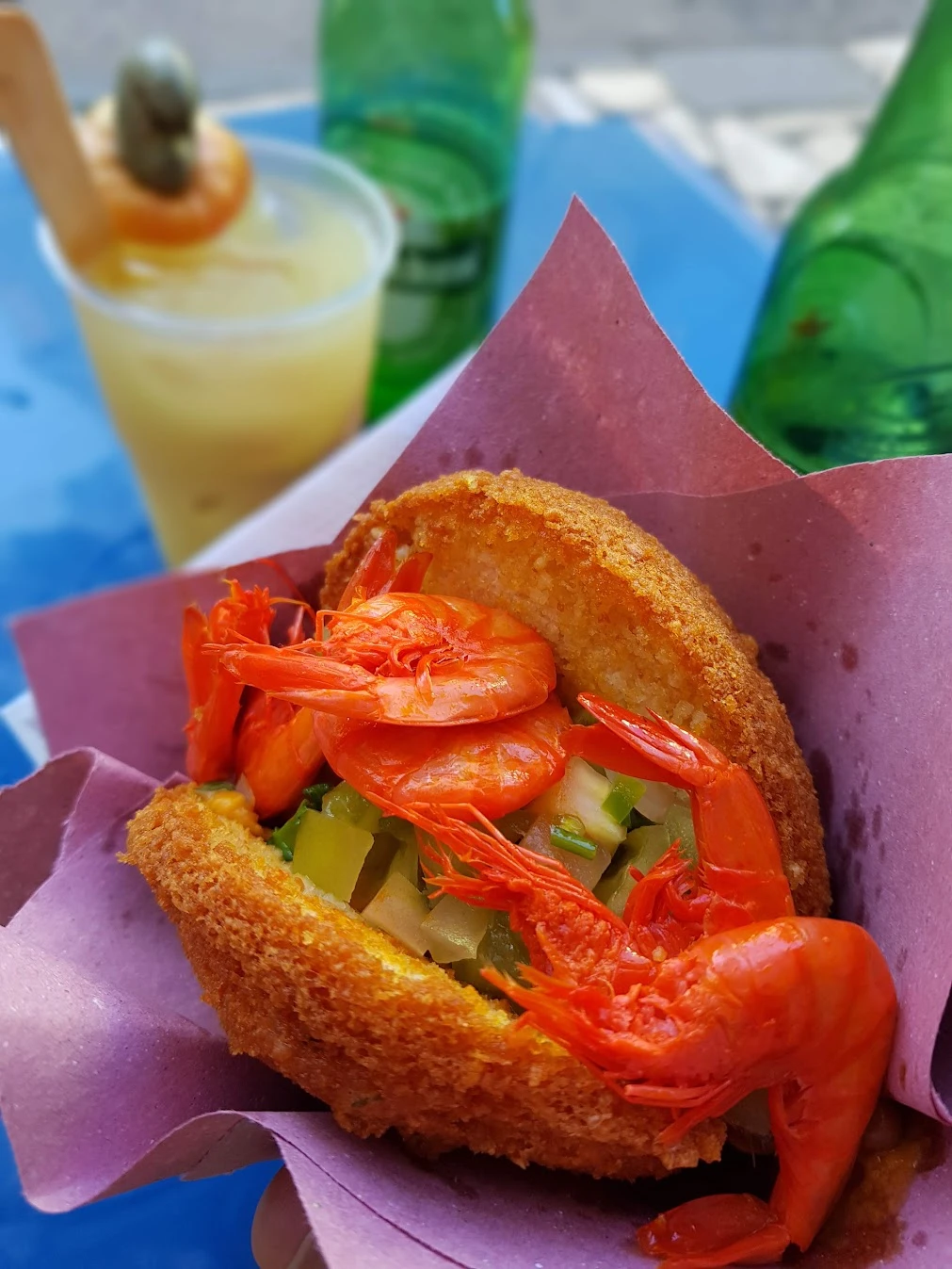
Style Gourmet Meal Box
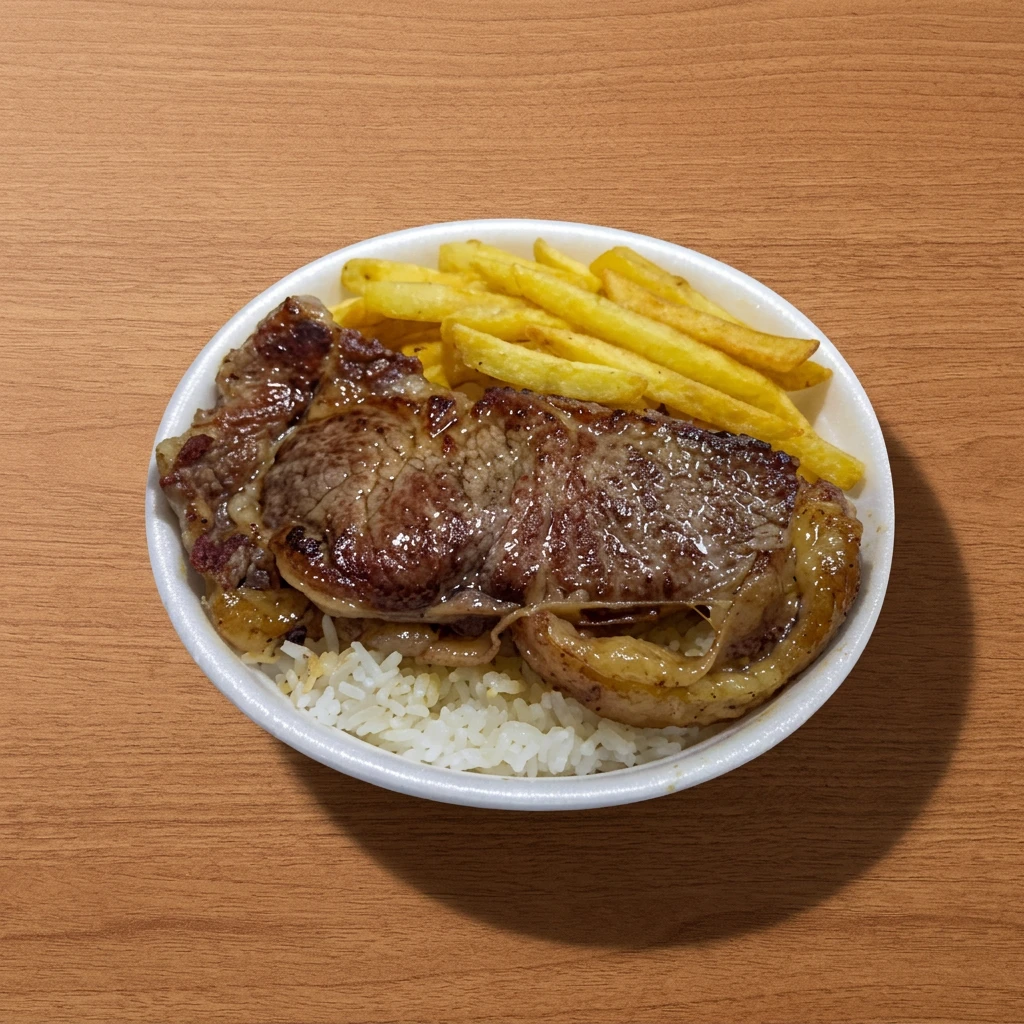
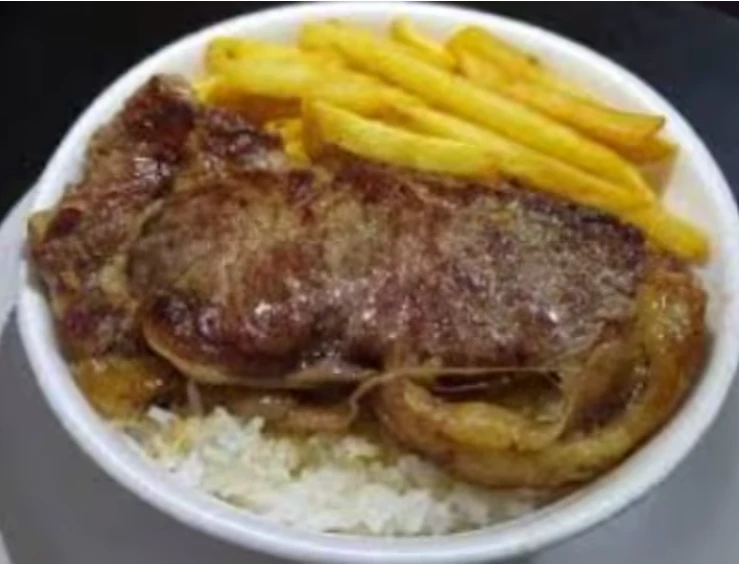
Style Dark & Premium
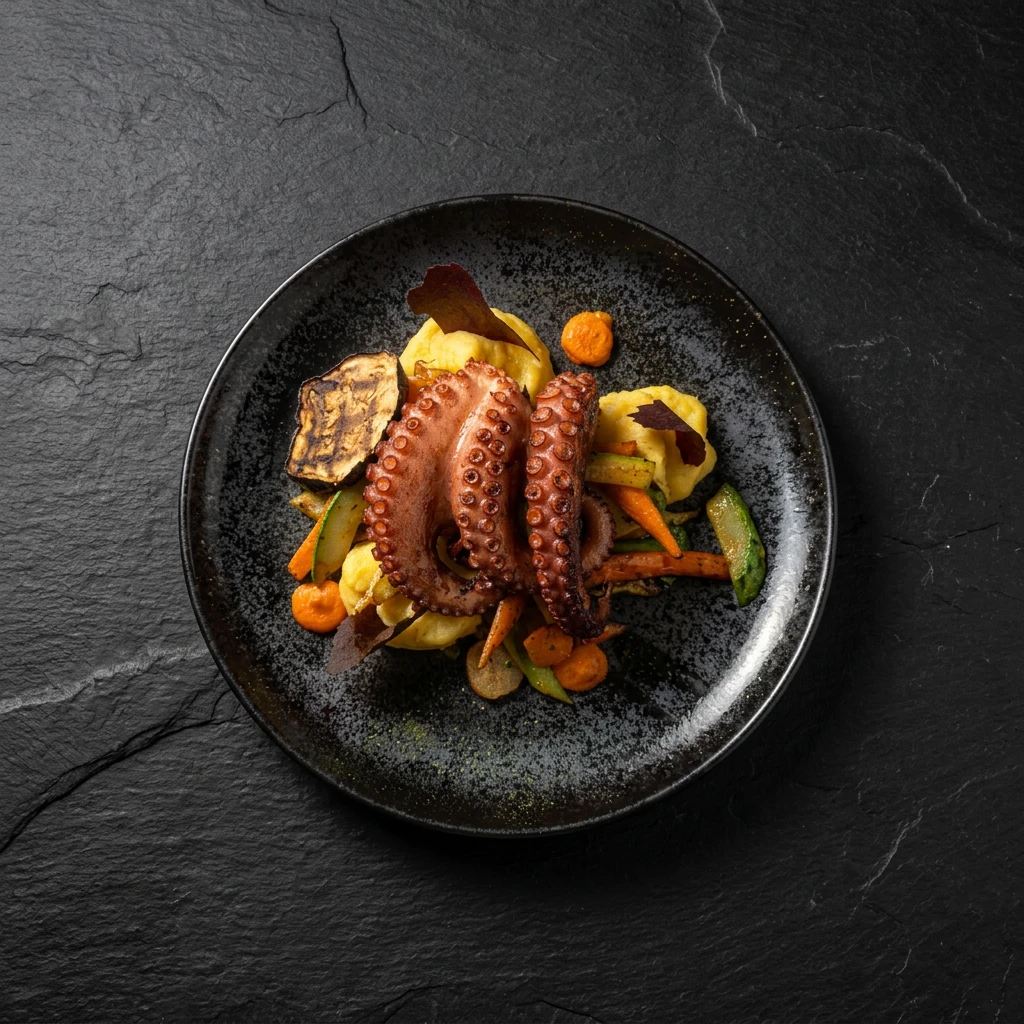
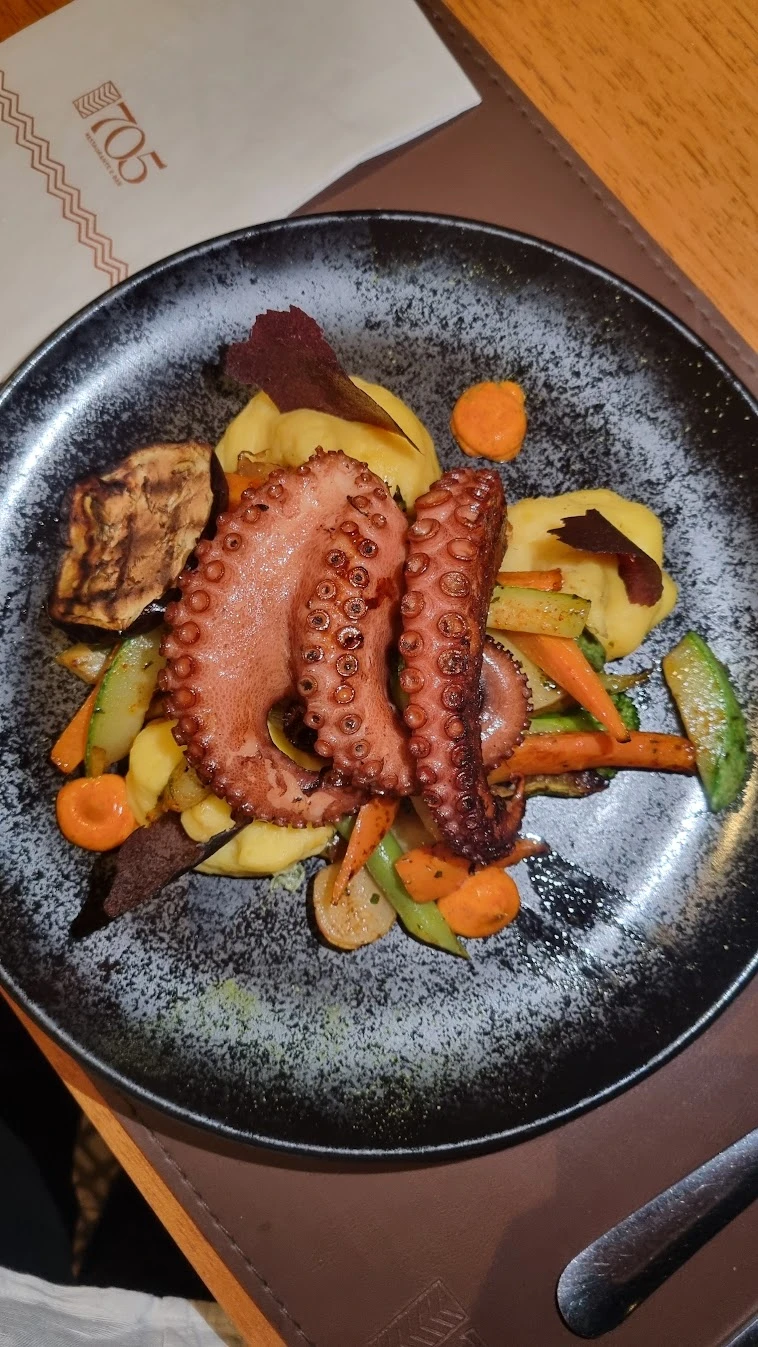
Style Editorial
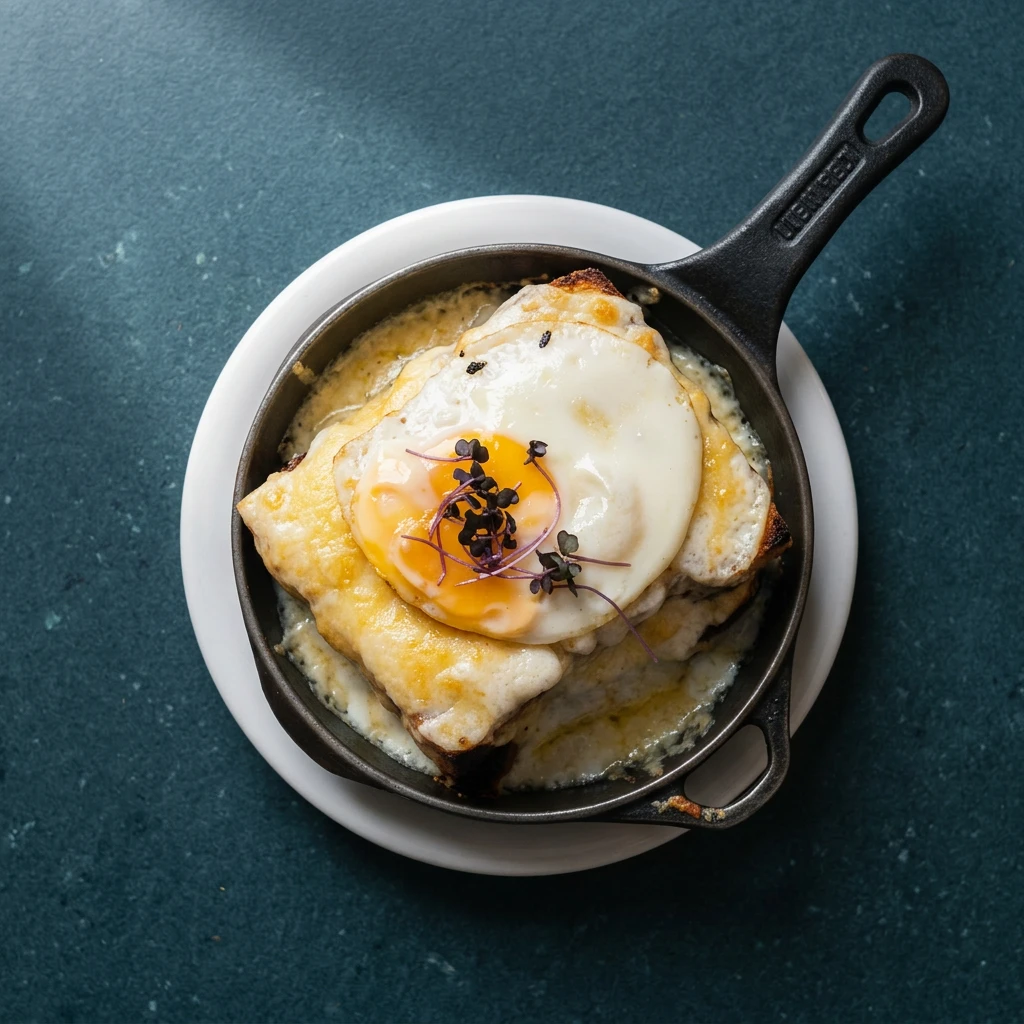
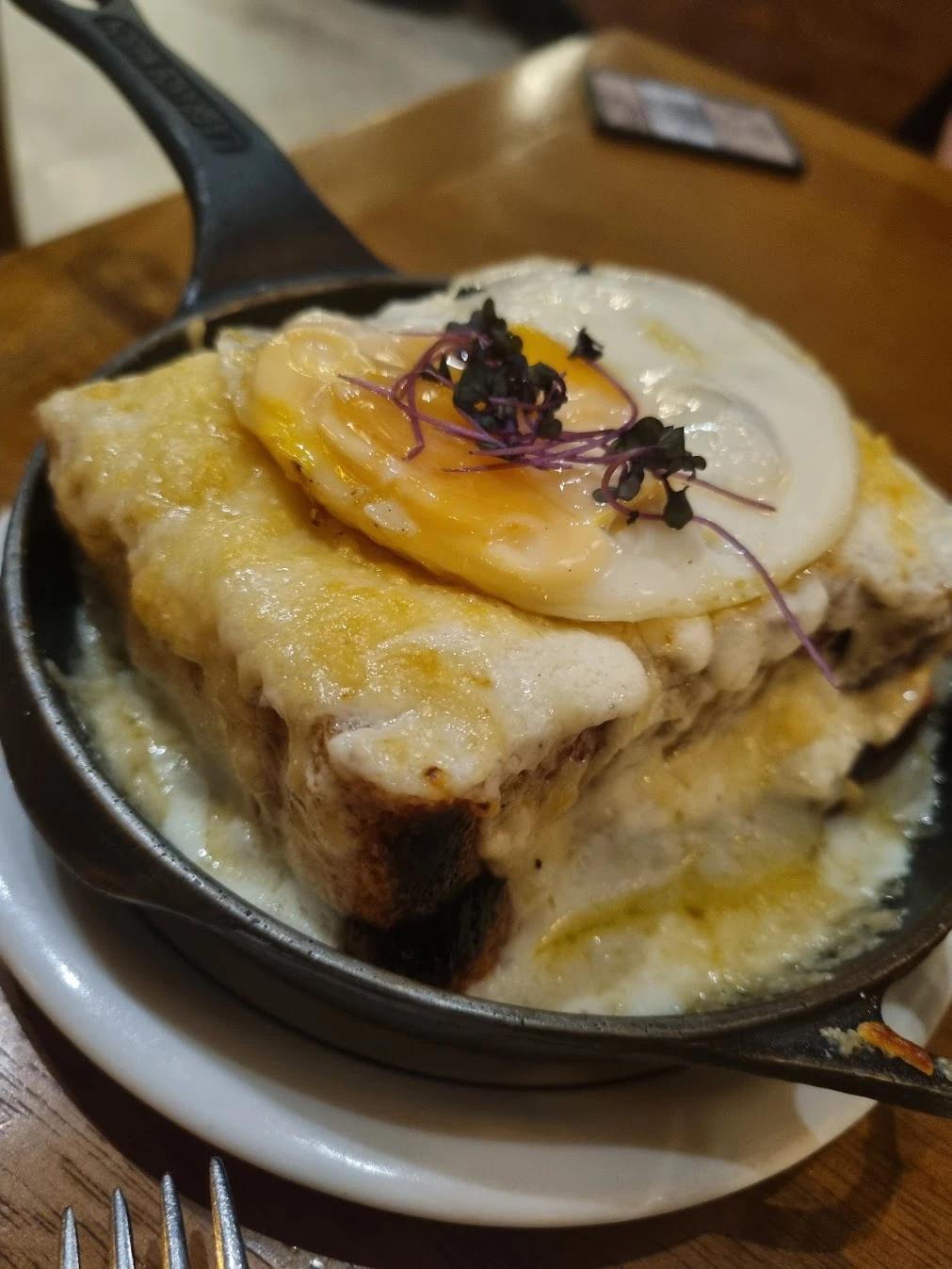
Before publishing, check ingredients, portions and the details of your dish.
Framing, setting and details may change with the style.
One choice, many possibilities
Choose the mood of your photo. Ristio handles the prompts.
Tell me when it launchesSix real examples of what you can create. Explore dozens of ready-to-use styles in Studio.
Compare the version with the original and choose the look that suits your restaurant.
Made to keep it simple
You choose the style.
Ristio handles the prompts.
You do not need to learn how to talk to an AI to improve your restaurant photos.
Tell me when it launches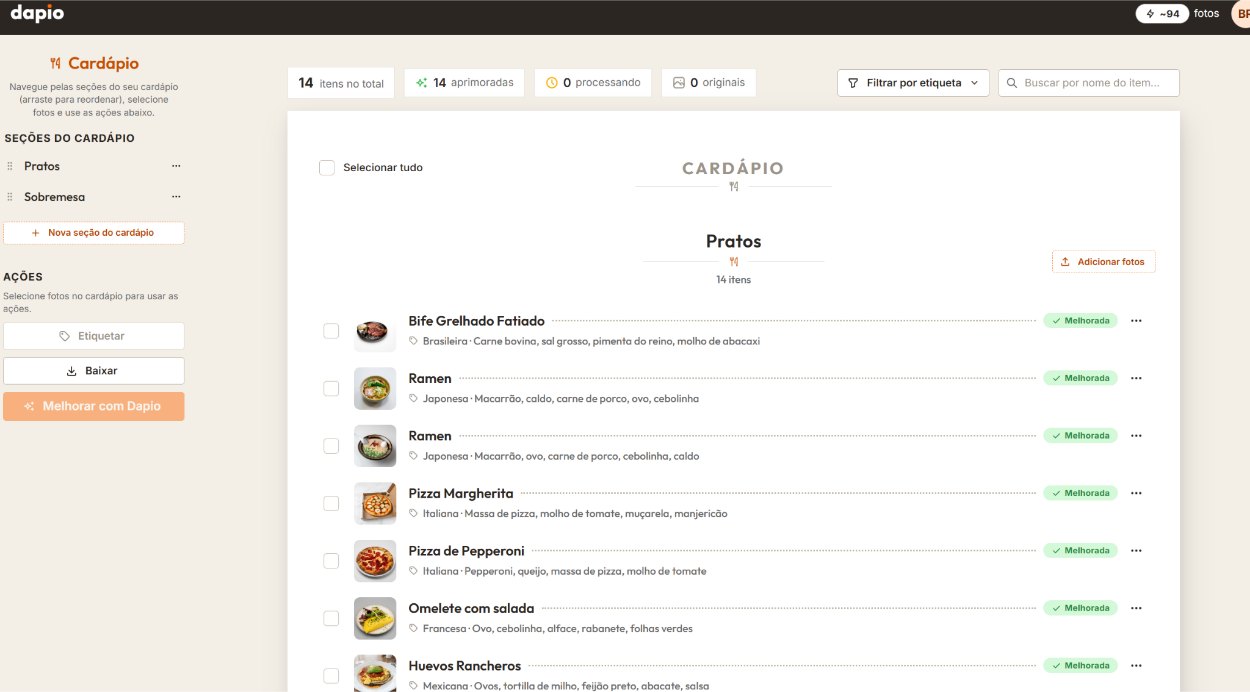
Upload your dish photo. Review the analysis observations about the image.
Choose a ready-to-use style, compare with the original and check the details.
Choose one of four aspect ratios. Originals and versions stay in Ristio Drive.
More ways to use your photo
From your menu to your next post: choose a crop and download.
Suggested use
Actual Ristio Studio screen, shown in Portuguese.
Drive Ristio
The photo is in your Ristio Drive. Find the dish, compare versions and download it again whenever you need it.
FAQ
The presentation of the submitted photo. Ristio looks for an opportunity that can be explained and visually checked. Before offering a transformation as a correction, it checks the result.
No. Send your photo and choose from the available styles. Ristio prepares the technical commands.
Care for the dish is part of the transformation and its checks. Styles may change the setting. Compare visible ingredients, quantity and appearance with what you serve before publishing.
Yes. Start with your own photo in which the dish is clearly visible. If the file limits the result, Ristio may suggest sending the original or taking a new photo.
Yes. Your first photo is free, with up to two versions and no card required. Compare the result before deciding to buy.
You buy a package by number of photos. Each paid photo includes up to three versions. Download your chosen version in four aspect ratios. Check the operational terms in Studio before purchasing.
In Ristio Drive, with the original and versions organized by dish. Access and storage terms are available in Studio.
No. You buy a photo package with a one-time payment, no monthly fee and nothing to cancel. Choose and buy a package in Studio whenever you need it.
Launch
Leave your e-mail: we write on launch day, with the launch price guaranteed for you.